
ChatGPT vs. Google Shopping: How to Tell If a Cyber Monday Deal Is Really a Deal
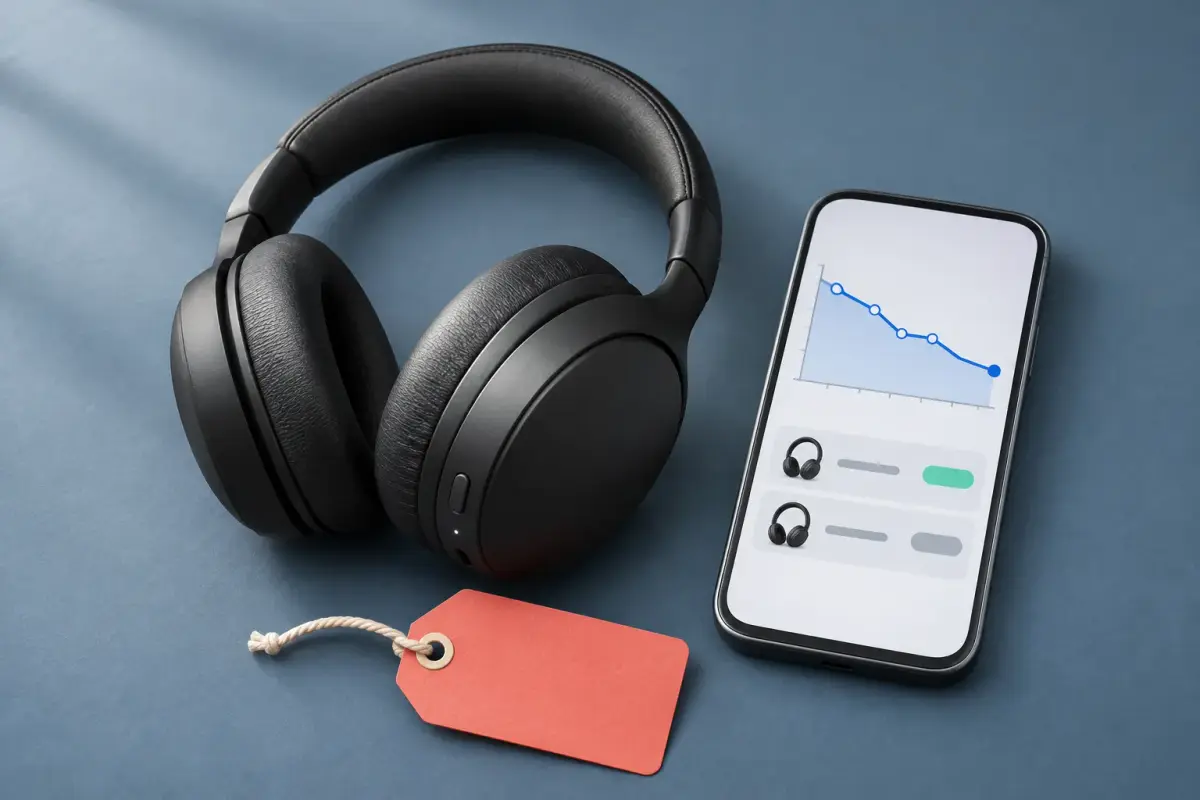
Say a pair of headphones is marked down to $129. The price tag says you’re saving $70. If the same model regularly sells for $139, the sale saves you $10 against the price you’d usually pay. Add $12 in shipping and you might be better off buying it somewhere else.
That’s where ChatGPT and Google Shopping can work together this Cyber Monday, November 30. Use ChatGPT to figure out which model to buy, Google Shopping to see what it usually costs, and the retailer’s checkout to see what you’ll actually pay.
Shoppers are already putting AI to work. Adobe Analytics found that visits to U.S. retail sites from links in AI tools rose 127% year over year between November 1 and 22, according to Digital Commerce 360. The extra traffic makes sense when you’re comparing products with nearly identical names. We ran into that kind of buying decision in our Xbox Series X vs. Series S comparison, where storage and disc support change the value of the deal. The same principle applies to a chatbot prompt. Give it your actual constraints, as in our guide to getting better answers from ChatGPT, and it has a better shot at finding something you’ll want to buy.
Use ChatGPT to get down to three models
Start with the job you need the product to do. If you’re shopping for headphones, “best headphones under $150” leaves the chatbot guessing whether you care about blocking airplane noise, taking calls, or wearing them for a full workday. OpenAI’s shopping features can display products side by side, so give ChatGPT a few specific things to compare.
Find three new over-ear wireless headphones with active noise cancellation for $150 or less before tax from U.S. retailers. Prioritize comfort on long flights and the ability to connect to a phone and laptop at the same time. Give me the exact model number, a retailer link, the listed price, and one trade-off for each. Flag any price or feature you can’t verify.
Save the model numbers. Searching by brand and product name alone can pull up last year’s version, a refurbished listing, or a bundle. If multipoint Bluetooth is a must, confirm it on the manufacturer’s product page before you spend time tracking prices.
Use Google Shopping to check the price history
Search for the exact model number, open its product listing, and look for Price Insights. Where available, it shows how the current price compares with the product’s recent price range. A $129 sale looks different if the item hit $119 last week. Compare listings for the same condition and configuration, then use Track price if the current offers are still above your budget.
Google’s Universal Cart, which started rolling out in the U.S. in October, can also send price-drop or restock alerts for items you save across retailers. You can save products you find through Search or the Gemini app. If the listing has no price history, compare the same model at a few stores and treat the advertised discount as one data point. Google’s holiday shopping guide
Compare the checkout totals
Here’s how the math might work for the same pair of new headphones. The prices are illustrative.
| Store A | Store B | |
|---|---|---|
| Listed price | $129 | $139 |
| Shipping | $12 | Free |
| Total before tax | $141 | $139 |
Store B is $2 cheaper before tax. Enter your ZIP code at checkout to see the actual total and delivery date. Check who sells the item, since a marketplace seller on a retailer’s website can have different return terms. For a gift, check the return deadline and whether the recipient can return it without your payment card.
OpenAI also began rolling out ChatGPT Wallet in November through its dots agents for eligible ChatGPT Pro subscribers in the U.S. The feature lets you authorize a purchase after reviewing the merchant and total. You can use the shopping comparison above with a regular retailer checkout. OpenAI’s ChatGPT Wallet announcement
If the exact model fits your needs and the delivered price is below both your budget and what it usually costs, you have a reason to buy. If it’s close to the usual price and you can wait, set a price alert and close the tab.
Sources
- OpenAI on product discovery and comparisons in ChatGPT
- Google’s Black Friday and Cyber Monday shopping guide
- TechCrunch on the U.S. launch of Google Universal Cart
- Digital Commerce 360 on Adobe’s pre-Thanksgiving shopping data