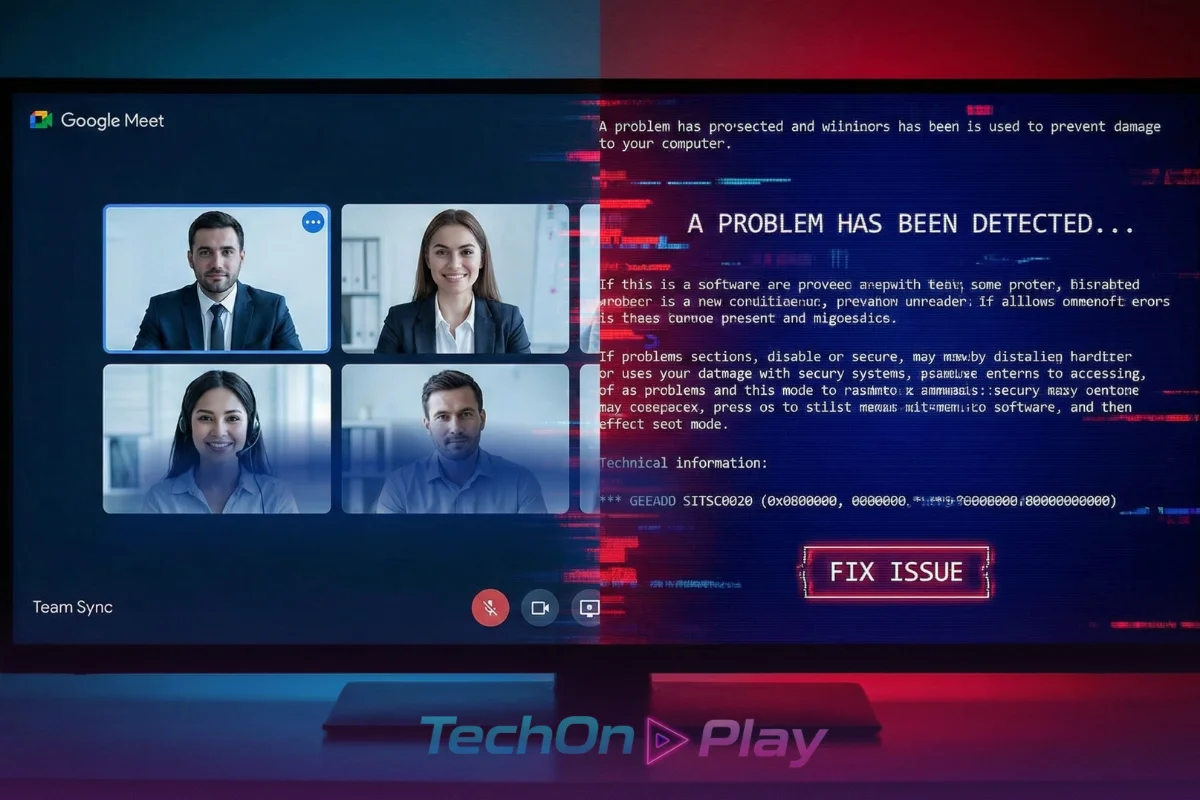
You are in a critical Google Meet or Zoom call when suddenly, your video cuts out. A pop-up appears—it looks exactly like a Windows error message or a browser crash report. It offers a helpful “Fix Issue” button or asks you to copy a specific code to resolve the glitch.
Stop immediately. You are being targeted by the Fake Blue Screen Scam.
This isn’t a standard virus; it is a sophisticated social engineering attack known as “ClickFix.” It relies entirely on you doing the hackers’ dirty work for them. Hackers are banking on your panic to bypass security filters. Here is how to recognize the trap and protect your workstation.
How the Fake Blue Screen Scam Works
Unlike traditional malware that installs itself silently via drive-by downloads, this scam requires your active cooperation. Hackers know that when technology fails during a high-stakes meeting, urgency overrides caution. They weaponize that instinct.
The attack typically follows this three-step sequence:
- The Phantom Glitch: Attackers hijack a legitimate website or send a phishing link (often disguised as a Google Meet or Zoom invite) that simulates a crash. You see a fake “Connection Lost” or “DNS Error” overlay.
- The “Fix”: The error message instructs you to press a key combination (specifically
Win + Rfollowed byCtrl + V) to “fix” the issue. - The Infection: By following their instructions, you aren’t fixing a bug—you are pasting a malicious PowerShell script directly into your Windows terminal. Once you hit Enter, the malware executes, stealing credentials and compromising your system.
Red Flags: When to Be Suspicious
Sophisticated phishing pages can look identical to the real thing, but the Fake Blue Screen Scam always has “tells” if you know where to look.
- Browser-Based Errors: A real Blue Screen of Death (BSOD) crashes your entire operating system, not just a web page. If you can still move your mouse outside the browser window or switch tabs, it is a fake overlay.
- The Clipboard Trick: Legitimate software updates never ask you to copy and paste code into a “Run” dialog box or terminal to fix a connection error. This is a massive red flag.
- Urgency in the UI: Be wary of any error message that uses aggressive language, countdown timers, or bold red buttons prompting you to “Click Here to Fix.“
Actionable Defense: The “No-Paste” Rule
The most effective defense against this specific threat is behavioral, not just technical. Adopting a strict “No-Paste” policy for system dialogs is your best firewall.
- Never Use
Win + Ron Demand: If a website instructs you to open the Windows Run dialog (Win + R) and paste content (Ctrl + V), close the tab immediately. - Verify the URL: Before joining a meeting, check the address bar. Is it
meet.google.com, or a look-alike domain? - Use Bookmarks: Always access your conferencing tools through saved bookmarks or your official calendar, never through unsolicited emails or pop-ups.
What to Do If You Clicked
If you suspect you have fallen for the trap and ran the malicious script:
- Disconnect: Unplug your internet cable or turn off Wi-Fi immediately to cut the connection to the attacker’s command-and-control server.
- Reset Credentials: Change your passwords (especially email and banking) from a different, clean device.
- Alert IT: If this is a work device, notify your security team instantly. Speed is crucial to preventing a network-wide breach.
Sources
- Sekoia.io: ClickFix tactic: The Phantom Meet
- The Hacker News: Beware: Fake Google Meet Pages Deliver Infostealers
- Kaspersky: What is ClickFix and how to protect your company
- Dark Reading: ClickFix Campaign Serves Up Fake Blue Screen of Death
- U.S. Department of Health and Human Services (HHS): Sector Alert: ClickFix Attacks
Further Reading
- Google Flow Camera Commands: 40 Prompts to Steal Right Now

- Moltbook AI Agent Network: Inside the Social Platform Built for Bots

- macOS vs Windows Security: Which One Actually Keeps You Safer in 2026?

- Security+ Passing Score Explained: How Many Questions Can You Miss?

- Musk vs Altman OpenAI 2026: The Leaked Emails War