![10 Best AI Video Generators of 2026: Create Viral Content Fast [Ranked]](https://techonplay.com/wp-content/uploads/2026/01/10-Best-AI-Video-Generators-.webp)
Why AI Video Is Your New Superpower
Creating high-quality video content used to require expensive cameras, professional lighting, and hours of editing. Today, the best AI video generators have completely disrupted this workflow, allowing you to produce studio-quality visuals from simple text prompts in seconds. Whether you are a marketer, a creator, or a business owner, these tools are no longer optional—they are essential for staying competitive in the Agentic AI era.
The landscape has shifted dramatically. We moved past the “uncanny valley” of early AI into an era of hyper-realism, where tools like Kling and Sora 2 blur the line between computer-generation and reality. This shift means you can now generate product commercials, social media clips, and even short films without filming a single frame.
In this guide, we break down the best AI video generators that are dominating the market right now. We tested them for speed, realism, and ease of use so you don’t have to waste time experimenting. You will find the perfect tool for your specific needs, from realistic avatars to cinematic text-to-video scenes.
🎥 Best for Cinematic Realism & Motion
1. Kling AI (v2.6)
Best For: Filmmakers and creators demanding photorealism.
Kling AI has rapidly ascended to the top of the leaderboard, often outperforming major competitors in pure motion physics. Unlike earlier models that struggled with complex movements (like walking or eating), Kling’s “physics-aware” engine handles these with shocking accuracy. It is widely considered one of the best AI video generators of 2026 for professional clips that need to pass as real footage, rivaling the visual fidelity we see in modern gaming engines like those discussed in our GTA 6 System Requirements analysis.
Why It Wins:
- Motion Realism: It understands how objects should move in the real world, reducing the “floaty” effect seen in other tools.
- Long Duration: Capable of generating longer coherent clips (up to 10 seconds in high quality).
- Control: Offers advanced camera controls, similar to the precision discussed in our DeepSeek AI 2026 Review.
Pros & Cons:
✅ Best-in-class motion physics
✅ High fidelity 1080p+ output
❌ Rendering times can be slow due to high demand
❌ Interface can be complex for absolute beginners
2. OpenAI Sora (Sora 2)
Best For: Long-form coherence and storytelling.
While availability has been selective, Sora 2 remains the heavy hitter for consistency. OpenAI focused heavily on “object permanence”—meaning if a character walks behind a tree, Sora remembers they exist and they emerge correctly on the other side. This makes it unrivaled for storytelling where continuity matters more than just a single flashy shot, a breakthrough often compared to the autonomous capabilities of Sony Afeela’s tech.
Why It Wins:
- Consistency: Characters and backgrounds stay stable over longer generations.
- Complex Scenes: Handles multi-character scenes better than almost any other tool.
- Integration: Seamlessly connects with ChatGPT, similar to the workflows in our ChatGPT Free Automations Guide.
Pros & Cons:
✅ Incredible scene consistency
✅ up to 1-minute generations
❌ Strict access/availability limits
❌ Pricey compared to open competitors
3. Luma Dream Machine (Ray 3)
Best For: Product visualization and commercial work.
Luma Dream Machine (specifically the Ray 3 model) is a beast for creators who need to showcase products. It excels at rendering textures—metal, glass, fabric—making it perfect for generating commercial-grade B-roll without a studio shoot. It is fast, accessible, and produces 4K-ready assets that fit right into professional workflows, ideal for those using Apple Creator Studio.
Why It Wins:
- Texture Quality: Unmatched rendering of materials and lighting reflections.
- Speed: One of the fastest generation times for high-quality video.
- Keyframes: You can define the start and end frames, giving you precise control over the video’s narrative arc.
Pros & Cons:
✅ Stunning 4K texture quality
✅ “Start/End frame” control feature
❌ Human movement can sometimes look stiff
❌ Limited duration per clip
🎨 Best for Stylized & Creative Content
4. Runway (Gen-3 Alpha)
Best For: Designers, artists, and music video creators.
Runway remains the creative director’s favorite tool. While it may lag slightly behind Kling in hyper-realism, it dominates in artistic control. Features like “Motion Brush” let you paint exactly where you want movement to happen (e.g., making water flow or clouds move while keeping the rest static). It is less about simulating reality and more about perfecting your artistic vision, pairing perfectly with assets from the Best AI Image Generators of 2026.
Why It Wins:
- Granular Control: The Motion Brush is a game-changer for specific animation needs.
- Style Presets: diverse range of artistic styles, from anime to watercolor.
- Editor: Comes with a built-in video editor to stitch your AI clips together.
Pros & Cons:
✅ Best manual control tools (Motion Brush)
✅ Excellent for stylized/abstract art
❌ “Floaty” physics in realistic modes
❌ Credit consumption can be high
5. Pika Art (Pika 2.0)
Best For: Social media animations and “fun” effects.
Pika Art is the viral content machine. It introduced “Lip Sync” for animated characters and specific effects like “squish” or “melt” that are perfect for TikTok and Instagram Reels. It is designed for speed and virality rather than cinema-quality realism. If you want to make a meme or a quick engaging social post, Pika is your go-to, especially for lifestyle content like Nano Banana Prompts.
Why It Wins:
- Special Effects: Unique “Video FX” that transform objects in fun ways.
- Ease of Use: Extremely simple discord and web interface.
- Lip Sync: Great for animating characters or animals talking.
Pros & Cons:
✅ Fun, viral-ready video effects
✅ Very fast generation
❌ Lower resolution than Kling/Sora
❌ Less control over complex camera moves
🗣️ Best for Avatars & Corporate Video
6. HeyGen
Best For: Personalized marketing and localization.
HeyGen is currently the king of AI avatars. It allows you to create a “digital twin” of yourself that looks and sounds frighteningly real. Its killer feature in 2026 is video translation: you can record a video in English, and HeyGen will dub it into Spanish, German, or Japanese while changing your lip movements to match the new language perfectly. This tech is revolutionizing how we use AI Voice Generators.
Why It Wins:
- Video Translation: The lip-sync translation is industry-leading.
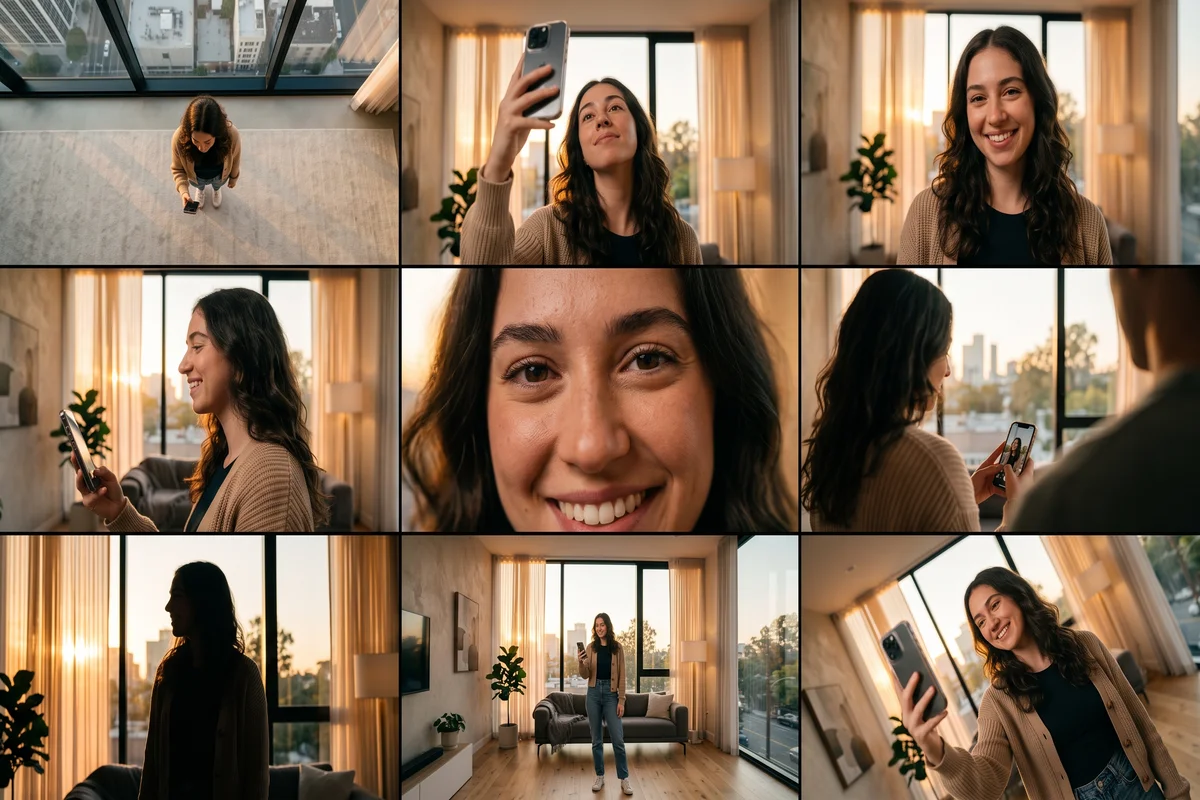
- Custom Avatars: Create a high-quality digital clone of yourself with just smartphone footage.
- Templates: Hundreds of templates, useful for organizing content like you would organize your 2026 goals.
Pros & Cons:
✅ Best video translation capability
✅ High-quality custom avatars
❌ Can be expensive for high volume
❌ Strictly for “talking head” content
7. Synthesia
Best For: Enterprise training and corporate communications.
While HeyGen targets creators and marketers, Synthesia owns the corporate space. It is SOC 2 compliant and built for large teams. If you need to turn a PDF policy document into an engaging training video for 10,000 employees, Synthesia is the safest and most robust choice. Their avatars are less “flashy” but highly consistent and professional, fitting well into the Domain Specific Language Models strategy.
Why It Wins:
- Enterprise Security: Built for data safety and corporate compliance (vital given Big Tech Regulation updates).
- Collaboration: Team features allow multiple people to edit scripts and videos.
- Interactivity: Newer features allow for clickable elements within videos.
Pros & Cons:
✅ Enterprise-grade security
✅ Very consistent, professional output
❌ Less flexible for creative content
❌ Custom avatars are pricier than HeyGen
🚀 Best for Marketing & Social Speed
8. InVideo AI
Best For: Turning blog posts into full YouTube videos.
InVideo AI takes a different approach. Instead of generating a 3-second clip, it generates entire videos. You give it a prompt like “Make a 5-minute video about the history of Rome for YouTube,” and it writes the script, finds stock footage (or generates AI clips), adds voiceovers, and edits it all together. It is the ultimate productivity hack for long-form content, leveraging concepts from our ChatGPT for Marketing Guide.
Why It Wins:
- Workflow: Automates the entire production chain, not just the visuals.
- Editing: You can edit the video by typing commands like “Change the tone to be more dramatic.”
- Stock Library: Access to millions of stock assets alongside AI generation.
Pros & Cons:
✅ Generates full ready-to-post videos
✅ Huge time saver for YouTubers
❌ Stock footage can sometimes feel generic
❌ AI clips are lower quality than specialized tools
9. Google Veo (Veo 3.1)
Best For: YouTube Shorts integration and speed.
Google’s entry into the space, Google Veo, is heavily integrated into the YouTube ecosystem. It is designed to generate high-quality 1080p clips that can be instantly used as Shorts or backgrounds. It excels in understanding complex prompts due to Google’s massive language model infrastructure, ensuring the video matches your text description accurately. You can even combine this with Gemini Prompts for Productivity to streamline your workflow.
Pros & Cons:
✅ Excellent prompt understanding
✅ Fast 1080p generation
❌ Limited availability outside Google ecosystem
❌ Stricter content filters
10. Wan 2.6
Best For: E-commerce and product shots (New Contender).
A rising star in 2026, Wan 2.6 (from Alibaba Cloud) has been making waves for its ability to handle product showcases with surprising fidelity. It is often used as a cheaper, faster alternative to Luma for quick e-commerce ads. It simplifies the background removal and replacement process, making it a favorite for dropshippers and Amazon sellers, especially those following CES 2026 Chip Wars for hardware trends.
Pros & Cons:
✅ Great for clean product movements
✅ Cost-effective / Open weights available
❌ Limited artistic styles
❌ Newer community/less tutorials
📊 Comparison: Top 5 AI Video Tools
Here is how the market leaders stack up when looking for the best AI video generators
| Feature / Tool | 🎥 Kling AI | 🎨 Runway Gen-3 | 🗣️ HeyGen | ⚡ InVideo AI | 🔮 Sora 2 |
|---|---|---|---|---|---|
| Best For | Realism & Film | Creative Control | Avatars | Full Videos | Consistency |
| Realism | ⭐⭐⭐⭐⭐ | ⭐⭐⭐ | ⭐⭐⭐⭐ | ⭐⭐ | ⭐⭐⭐⭐⭐ |
| Ease of Use | ⭐⭐⭐ | ⭐⭐⭐⭐ | ⭐⭐⭐⭐⭐ | ⭐⭐⭐⭐⭐ | ⭐⭐⭐ |
| Max Length | ~10s clips | ~10s clips | Unlimited | 10m+ videos | ~60s clips |
| Pricing | 💰💰 | 💰💰 | 💰💰💰 | 💰💰 | 💰💰💰 |
| Key Feature | Physics Engine | Motion Brush | Translation | Text-to-Edit | Object Permanence |
Conclusion: Which Tool Should You Choose?
The “best” AI video generator depends entirely on your goal. If you are a filmmaker wanting to replace B-roll, start with Kling AI or Luma Dream Machine. If you are a business owner needing to scale internal training, Synthesia is your safest bet. And if you just want to grow a YouTube channel fast, InVideo AI will save you hundreds of hours.
Don’t try to master them all at once. Pick the one that solves your biggest bottleneck today and sign up for a free trial. The technology is moving fast—starting now puts you ahead of 99% of your competition.
Sources
- Massive.io: Best AI Video Generator: An Updated Comparison Of 10 Leading Tools (Jan 2026)
- Wavespeed AI: Best AI Video Generators in 2026: Complete Comparison Guide
- Aspire Geeks: Kling AI vs. Sora vs. Runway: Which AI Video Generator Leads in 2026?
- Synthesia Research: The 13 Best AI Video Generators (Performance Benchmarks)
- Google DeepMind: Veo: A new generative video model (Technical Report)
- Alibaba Cloud: Wan 2.6 Model Launch & Architecture Overview
- Kling AI: Official Release Notes v2.6 (Physics Engine Updates)
Further Reading
- Google Flow Camera Commands: 40 Prompts to Steal Right Now

- Moltbook AI Agent Network: Inside the Social Platform Built for Bots

- macOS vs Windows Security: Which One Actually Keeps You Safer in 2026?

- Security+ Passing Score Explained: How Many Questions Can You Miss?

- Musk vs Altman OpenAI 2026: The Leaked Emails War