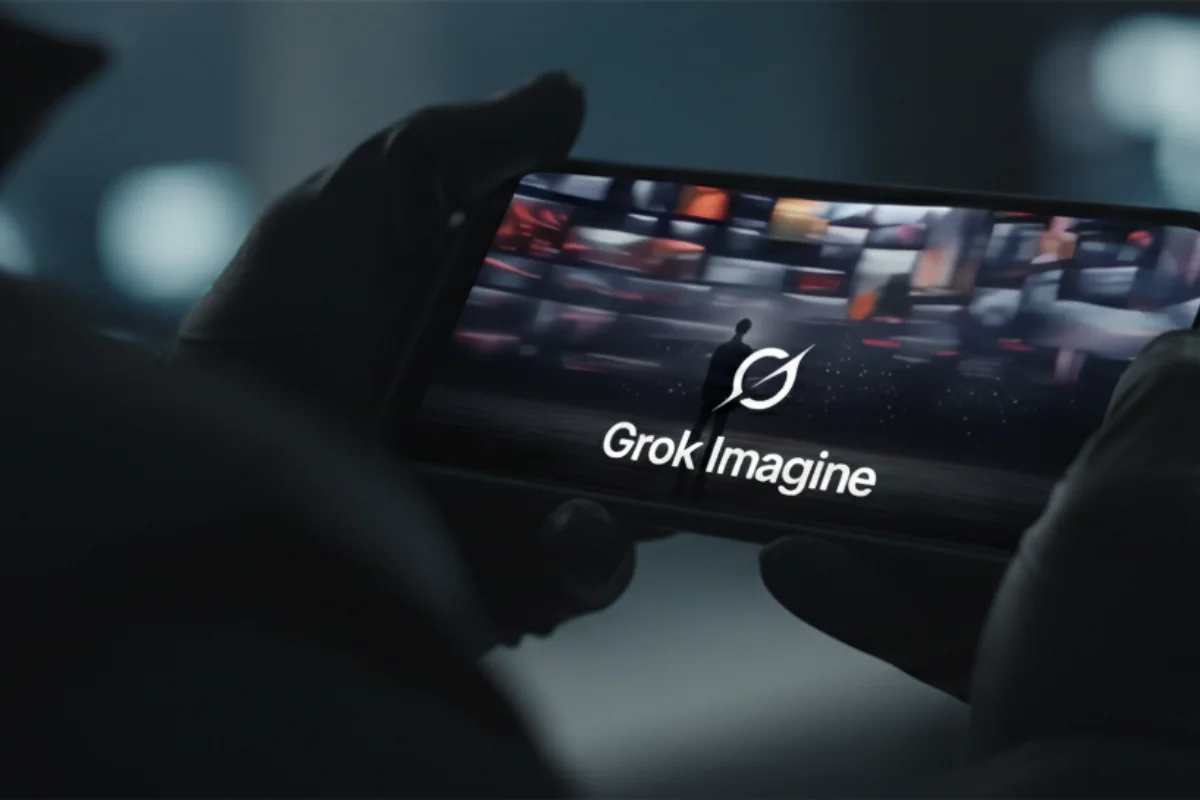
Welcome to the ultimate Grok Imagine 1.0 guide. If you have tested the new engine on X, you already know the truth: it is a beast. It generates hyper-realistic content at blistering speeds, but it is entirely out of control without the right parameters.
On Tuesday, we analyzed the massive infrastructure shift driving xAI after the SpaceX and xAI merger. Today, we are shifting our focus to the raw consumer product built on that computing power.
It feels like driving a Ferrari with no traction control. It will spin out if you do not know how to handle the wheel. In this guide, you will learn the exact text constraints needed to force photorealism, stop bizarre hallucinations, and finally tame the chaos.
1. Understanding the Grok Imagine 1.0 Engine
Unlike Midjourney v7, which prioritizes artistic composition and “vibes” by default, Grok Imagine 1.0 favors literal adherence. It does not try to guess what you meant; it executes exactly what you typed.
The engine relies on the cutting-edge silicon we saw dominating the CES 2026 Chip Wars, making it the fastest generator on the market. However, this raw speed comes at a cost. Grok does not automatically “fix” bad prompts.
If you ask for a “cat on a bike,” Midjourney will render a whimsical, stylized illustration. Grok will give you a terrifyingly realistic cat stretched over a bicycle frame. This hyper-literal, unfiltered output is exactly why understanding how to detect deepfakes is mandatory in 2026.
2. The Control Parameters (Cheat Sheet)
To get usable results, you need to speak Grok’s language. Because it lacks the guided UI found in the best AI image generators of 2026, you must embed rigid constraints directly into your text instructions.
A. Force Photorealism (The Camera Method)
Grok drifts toward a “smooth” digital art style by default. To ground it in reality, you must apply specific camera physics, similar to the advanced logic used in the best ChatGPT prompts of 2026.
The Fix: Append this string to the end of your prompt:, shot on 35mm, f/1.8, photorealistic, 8k, sharp focus, natural lighting --ar 16:9
Why it works: Specifying the lens (35mm) and aperture (f/1.8) forces the xAI engine to calculate depth of field. This instantly strips away the “plastic” AI look.
B. The Clean-Up Command (Soft Negatives)
Grok notoriously hallucinates distorted limbs or bizarre text in complex scenes. You cannot put these rules in a separate negative prompt box, so you must use a “soft negative” clause at the end of your request.
The Fix: Add this directly to your prompt:... clear background, no text, no watermarks, no distortion, anatomically correct hands.
C. Character Consistency (The Anchor Strategy)
Keeping a character looking the same across multiple image generations is Grok’s biggest weakness. Do not rely on typing the character’s name over and over.
The Fix:
- Generate a single “Character Sheet” first.
- Use Grok’s Custom Mode to upload that exact result as your reference anchor.
- Reuse the exact seed number for all subsequent prompts.
3. Grok Imagine vs. The Competition
Is Grok Imagine 1.0 actually better than the established giants? It entirely depends on your workflow. Here is how the big players stack up this year.
| Feature ⚙️ | Grok Imagine 1.0 🐺 | Midjourney v7 🎨 | DALL-E 4 (ChatGPT) 🤖 |
|---|---|---|---|
| Best For | Memes, News, Unfiltered Ideas | High-End Art, Photorealism | Corporate Safe Prompts |
| Speed | ⚡ Fastest (<5s) | 🐢 Moderate (~30s) | 🐇 Fast (~10s) |
| Video Ops | Native 720p (10s clips) | High Quality (Short clips) | Limited / Experimental |
| Cost | Included in X Premium | Monthly Subscription | Included in Plus |
[Editorial Note: While Grok is catching up in the video space with native generation, serious creators should still rely on the best AI video generators of 2026 for complex timeline control.]
Since Grok is locked behind X Premium, cost is a major factor. If you are auditing your monthly AI subscriptions, read our deep dive on Perplexity Pro vs ChatGPT Plus to see where your money is best spent.
Frequently Asked Questions (FAQ)
Why does Grok refuse some prompts if it claims to be “uncensored”?
While Grok is significantly less restricted than competitors, it maintains reasonable guardrails. It will block illegal content or deceptive imagery of public figures. We broke down the engine’s hidden filters in our recent report on Grok 3 privacy and safety controversies.
Can I use Grok images for commercial purposes?
Yes. xAI’s terms of service assign ownership of the generated content to the user. However, purely AI-generated artwork cannot be copyrighted under US law. You can use it for marketing, but you cannot legally protect the raw output.
How do I switch from image to video generation?
Grok Imagine 1.0 is natively multimodal. You do not need to click a different tab. Simply add a motion command to your text prompt, such as “pan right” or “cinematic drone shot,” and the engine will automatically generate a 4-second 720p clip instead of a static image.
Conclusion
Grok Imagine 1.0 is unparalleled for rapid ideation and viral content, but it lacks the polished, out-of-the-box beauty of Midjourney v7. It requires a firm hand. Use the exact parameters and constraints outlined above to bridge the gap between chaos and quality.
Tell us: What is the weirdest or most realistic thing Grok generated for you today? Share your results on X and tag us @TechOnPlay!
- Vercel v0 AI Code Generator: Ship Next.js MVPs Faster [2026 Check]
- Anthropic Hits $350B Valuation: The Anthropic Claude vs ChatGPT Enterprise 2026 Migration

- Claude Code leak Anthropic: Crisis Exposed & Impact on US Devs
- Fix iPhone DarkSword iOS 18: Stop the Silent Hack Now

- OpenAI Sora Shut Down: Why The Top AI Video App Is Dead